
Prompt AI untuk Edit Foto Konser, Dari Selfie Biasa Jadi Aesthetic
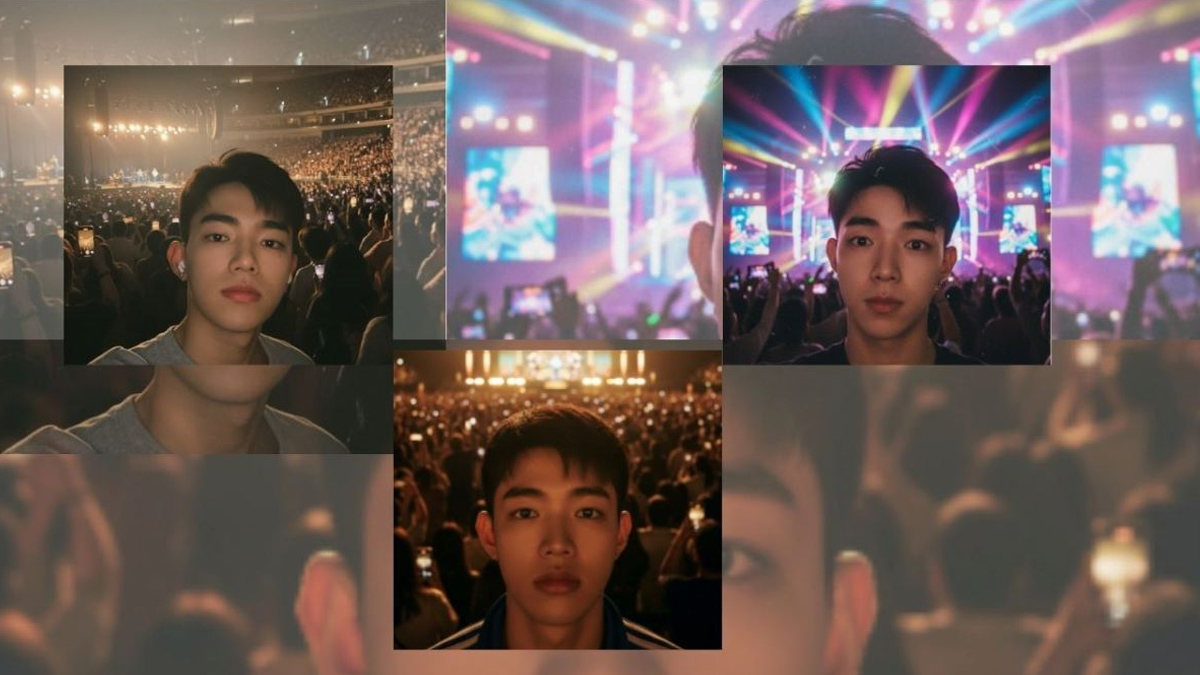
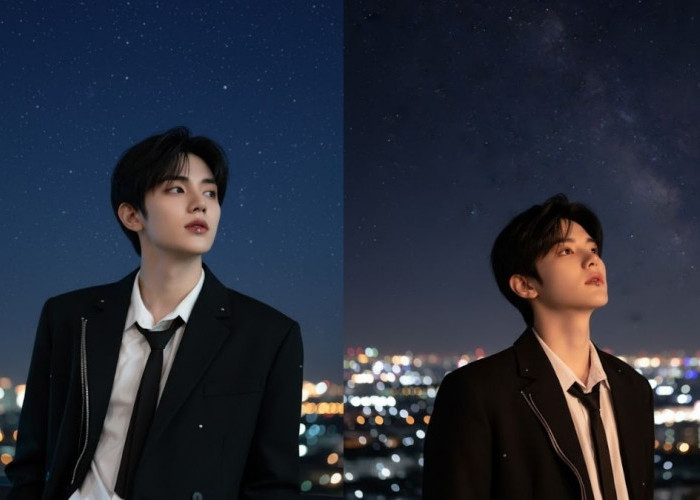
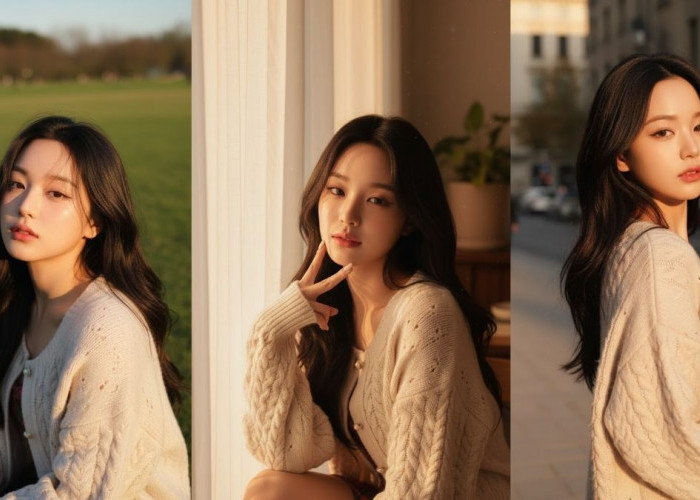
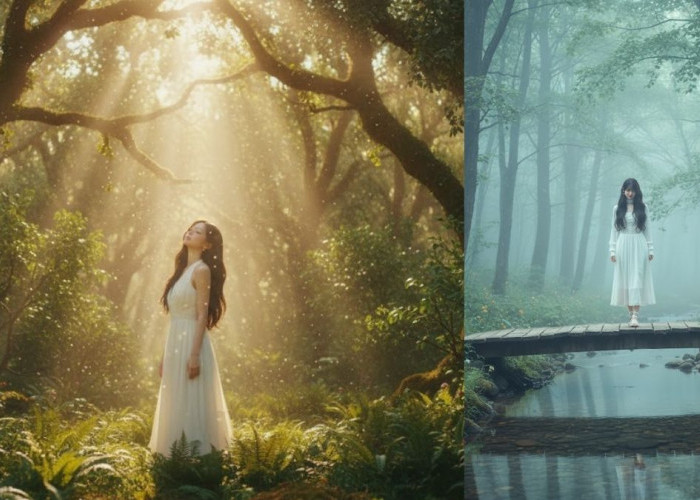
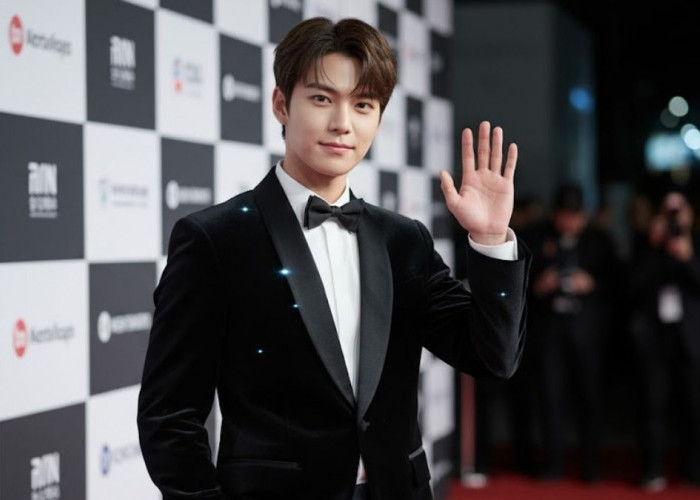
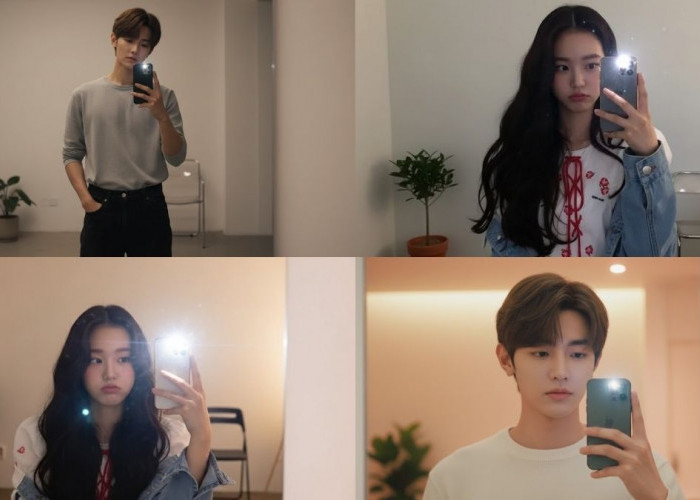
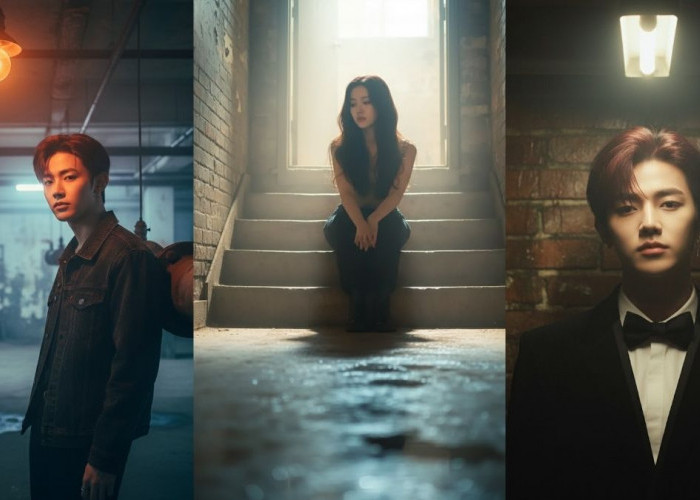
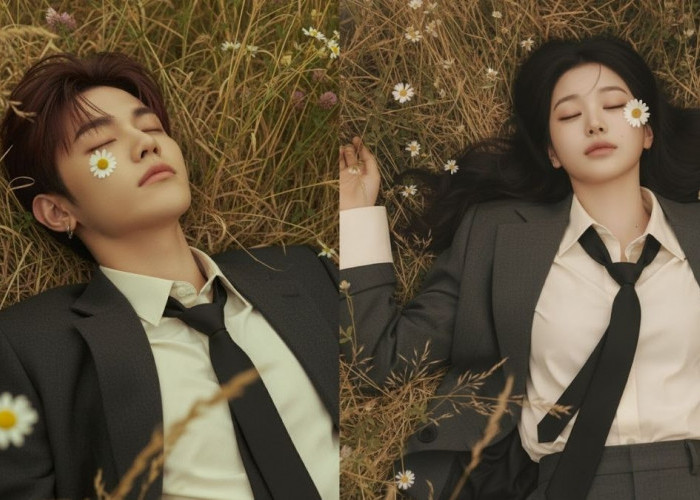
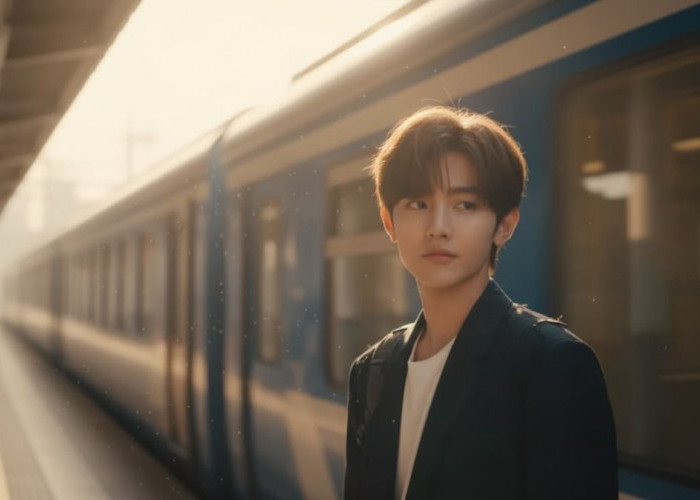
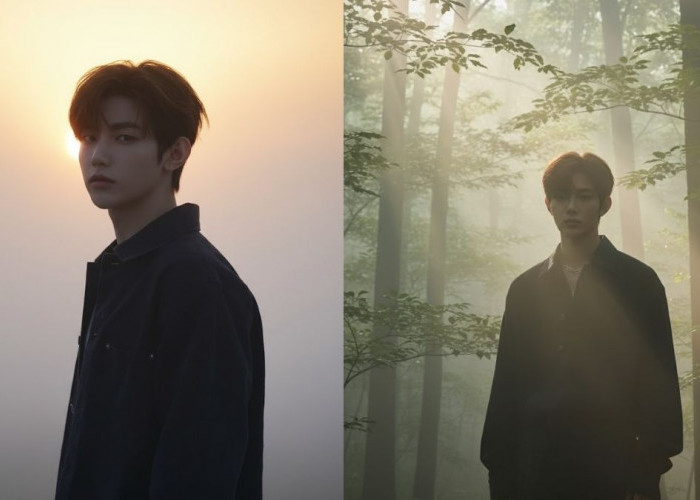
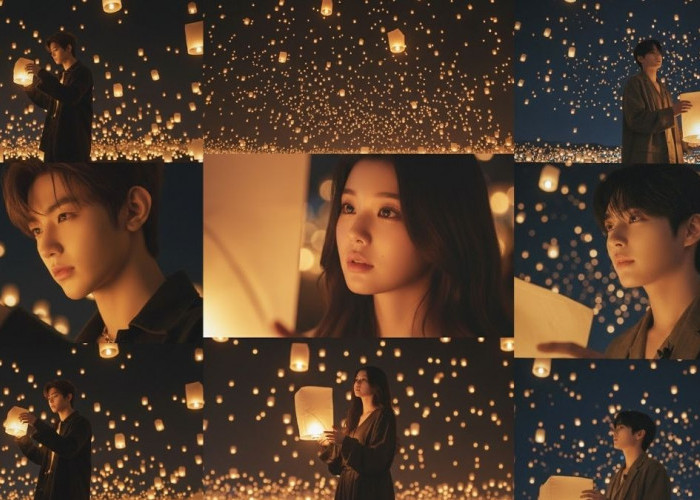
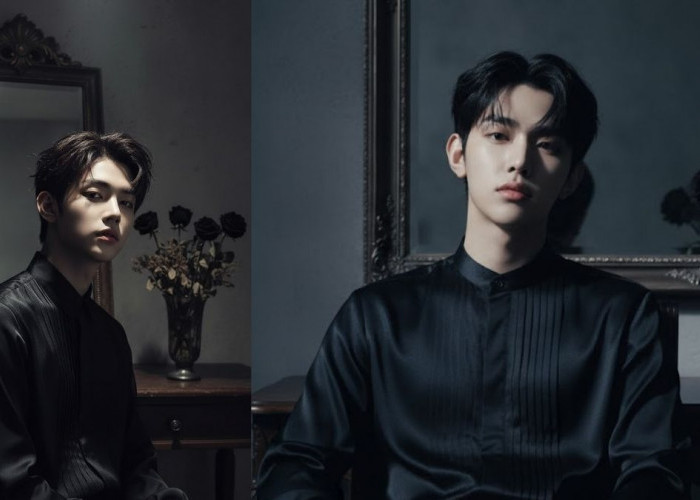
Cara pakai prompt AI untuk edit foto nonton konser jadi lebih aesthetic dengan Gemini AI.-Istimewa-
Inilah yang membuat teknologi kecerdasan buatan semakin digemari para pecinta konser.
Tips AI untuk Hasil Edit Foto Selfie Konser
Agar hasil edit lebih maksimal, ada beberapa tips AI yang bisa Anda coba saat memanfaatkan prompt AI untuk edit foto nonton konser.
Pertama, gunakan kata kunci yang jelas dan spesifik dalam prompt Anda.
Kedua, tentukan gaya aesthetic yang diinginkan, seperti vintage, modern, atau cinematic.
Ketiga, manfaatkan Gemini AI yang mampu menghasilkan hasil visual lebih detail dengan tone warna realistis.
Terakhir, jangan lupa untuk mengatur pencahayaan agar suasana konser tetap terasa nyata.
BACA JUGA: Cara Buat Foto Formal di Studio dengan Gemini AI, Praktis Hanya Bermodal HP
Dengan menerapkan tips AI ini, selfie konser Anda bisa terlihat lebih profesional meskipun hanya menggunakan kamera ponsel biasa.
Inspirasi Prompt AI untuk Edit Foto Nonton Konser
Berikut contoh prompt AI yang bisa Anda gunakan untuk mengedit foto konser agar terlihat lebih menarik:
”Edit a concert selfie with bright stage lights, cinematic atmosphere, and glowing effects.
Keep the person’s face natural, enhance background with colorful neon aesthetic, and add a slight grainy film texture for a digital photography vibe.”
”Make the concert photo look dreamy by softening the lights, adding subtle glow to the stage, and adjusting colors to pastel tones. Keep the person natural and unchanged.”
”Enhance this concert selfie with neon blue and purple glow, sharpen details, and brighten stage lights. Do not change the person’s face or pose.”
”Edit this concert photo with colorful festival lighting, slight grainy film texture, and glowing effects on the background. Keep the person natural and realistic.”
BACA JUGA: Cara Membuat Foto Miniatur Pakai AI, Hasilnya Mirip Action Figure
Cek Berita dan Artikel lainnya di Google News
Sumber:
- Share: