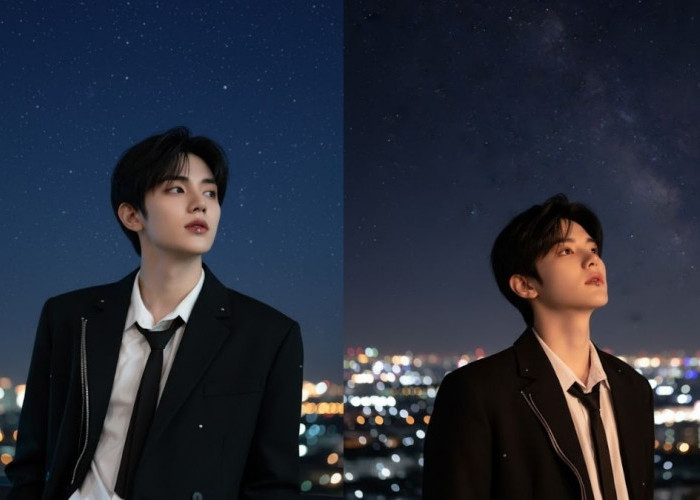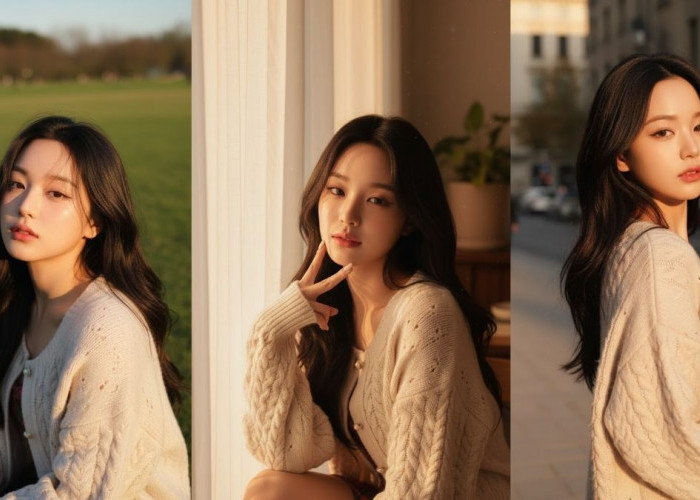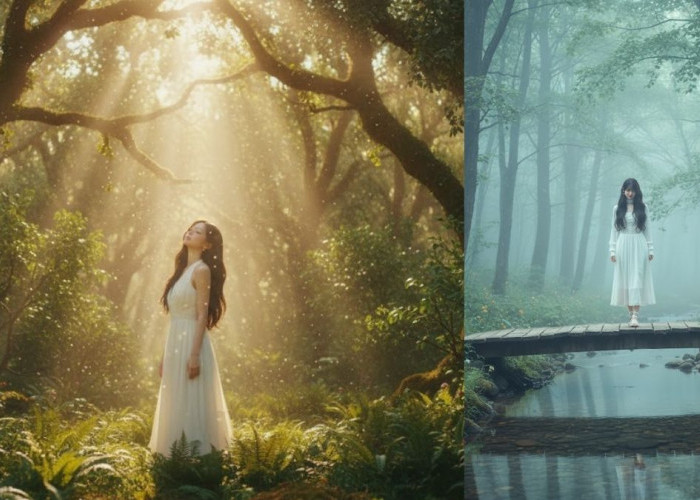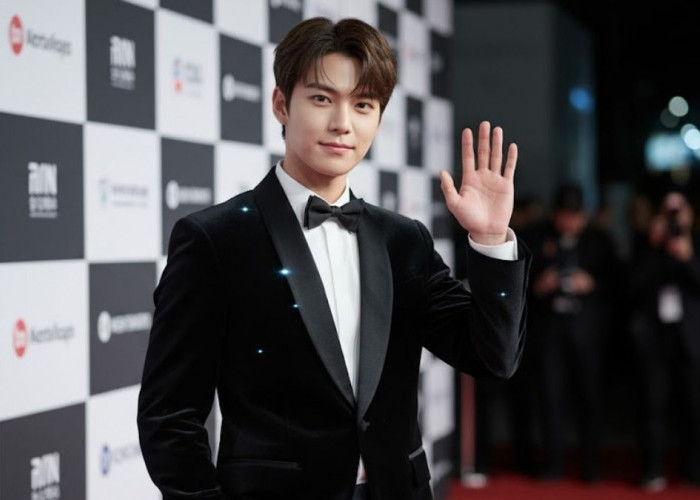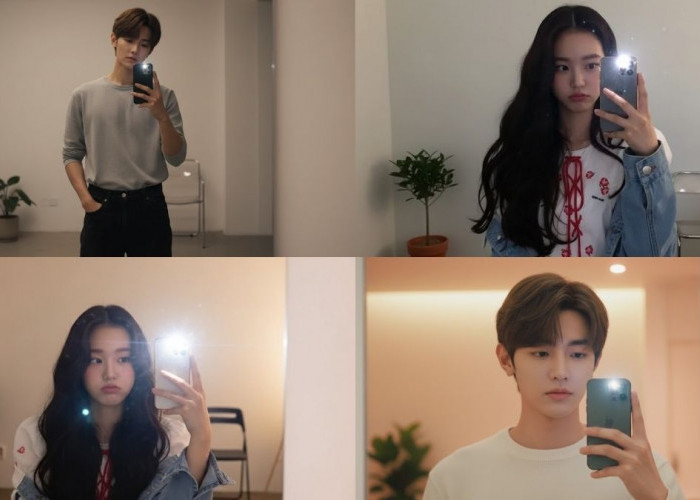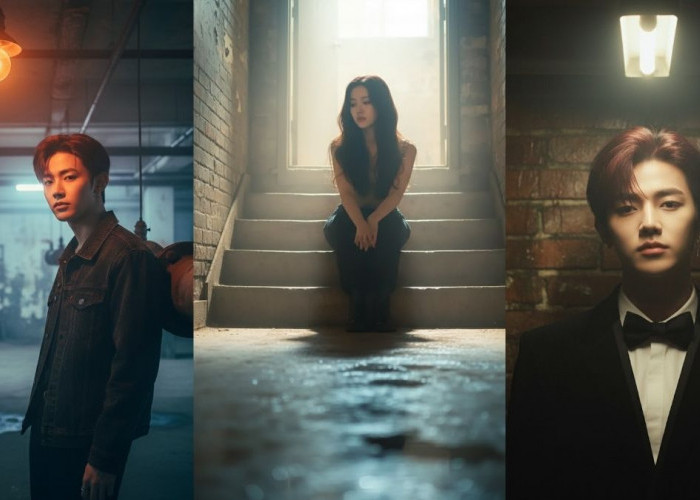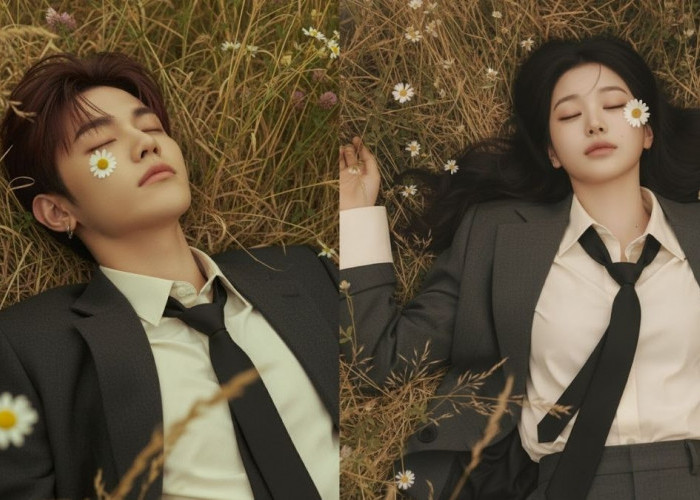


Edit Foto Jadi Raksasa di Kota Mini Cuma Pakai Prompt AI!
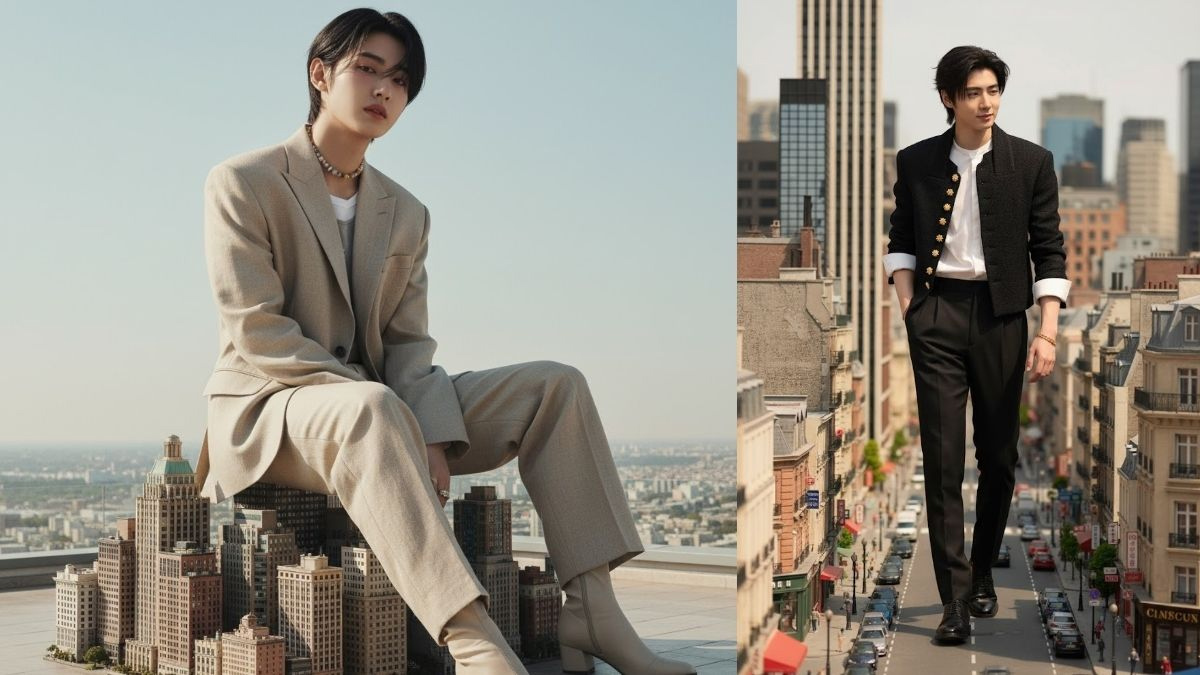
Cara edit foto jadi raksasa di kota mini menggunakan prompt AI.-Istimewa-
Prompt: “Create a realistic editorial-style photo of the user as a giant model sitting gracefully on top of small realistic skyscrapers, elegant posture,
relaxed hands, soft natural expression, matching daylight lighting, fashionable outfit blending with real environment, cinematic tone,
realistic proportions and shadowing, looks like a luxury magazine shoot, no fantasy or CGI look.”
BACA JUGA: Cair Pekan Ini Dana BOS Madrasah dan BOP RA 2025 Rp 4 Triliun
2. Pose Berdiri Anggun di Tengah Kota Mini
Prompt: “Make the user appear as a tall elegant giant standing naturally among smaller city buildings, one hand slightly resting on a building,
calm confident facial expression, daylight lighting, realistic scale difference, accurate shadows and reflections, modern fashion editorial tone,
natural depth and soft cinematic mood, looks authentic and photogenic.”
BACA JUGA: Perkuat Layanan MBG, Setiap SPPG di Kota Tasikmalaya Wajib Kantongi Sertifikat Laik Higiene Sanitasi
3. Pose Santai tapi Mewah di Atas Jalan Kota
Prompt: “Depict the user as a stylish giant walking slowly along a miniature urban street, elegant posture, gentle confident look,
outfit styled like a fashion magazine cover, natural shadows and sunlight, realistic reflections, skin tone and lighting perfectly matched,
believable perspective, high-end editorial photography feel.”
BACA JUGA: Warga Tasikmalaya Soroti Rencana Pinjaman Daerah Rp230 Miliar: Jangan Jadi Beban di Masa Depan
4. Pose Setengah Duduk dengan Gaya Majalah
Cek Berita dan Artikel lainnya di Google News
Sumber:
- Share: