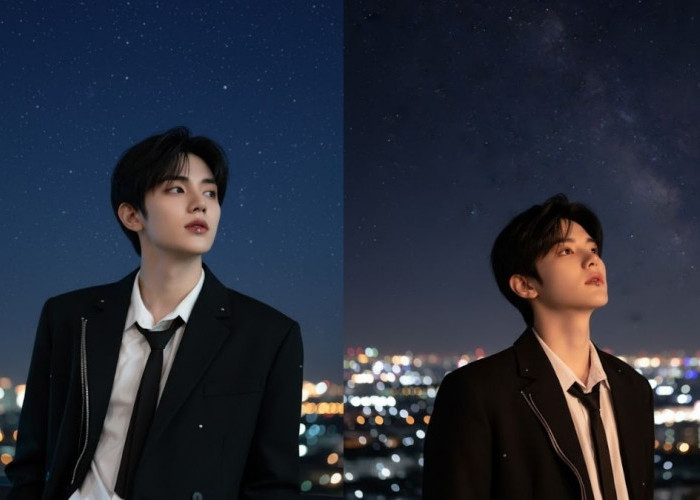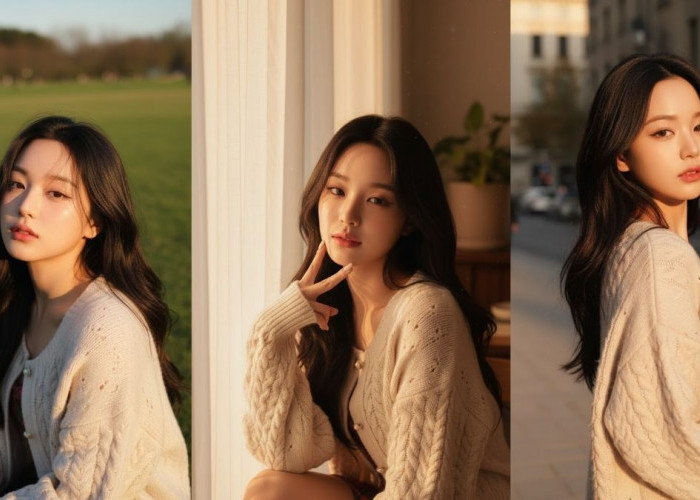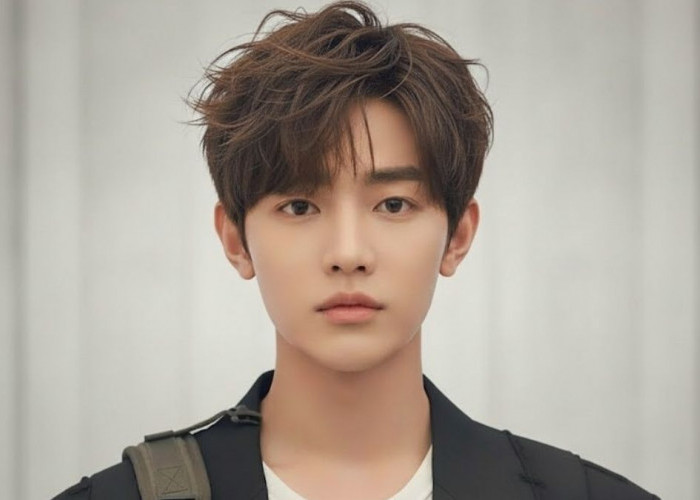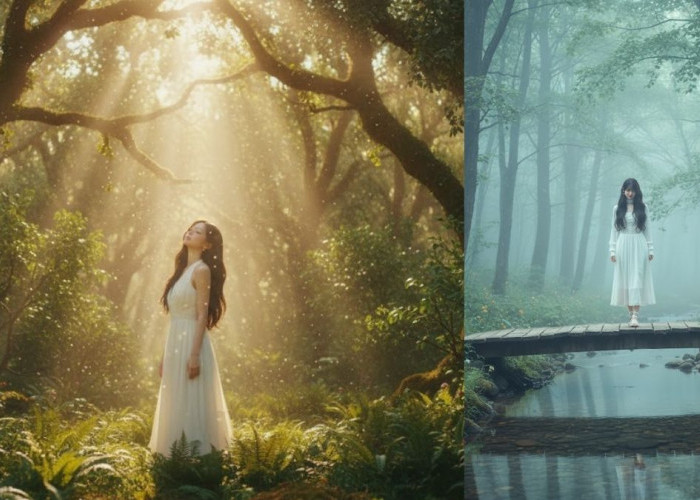

Cara Tampil Ala Samurai dengan Prompt AI, Hasilnya Keren Parah!
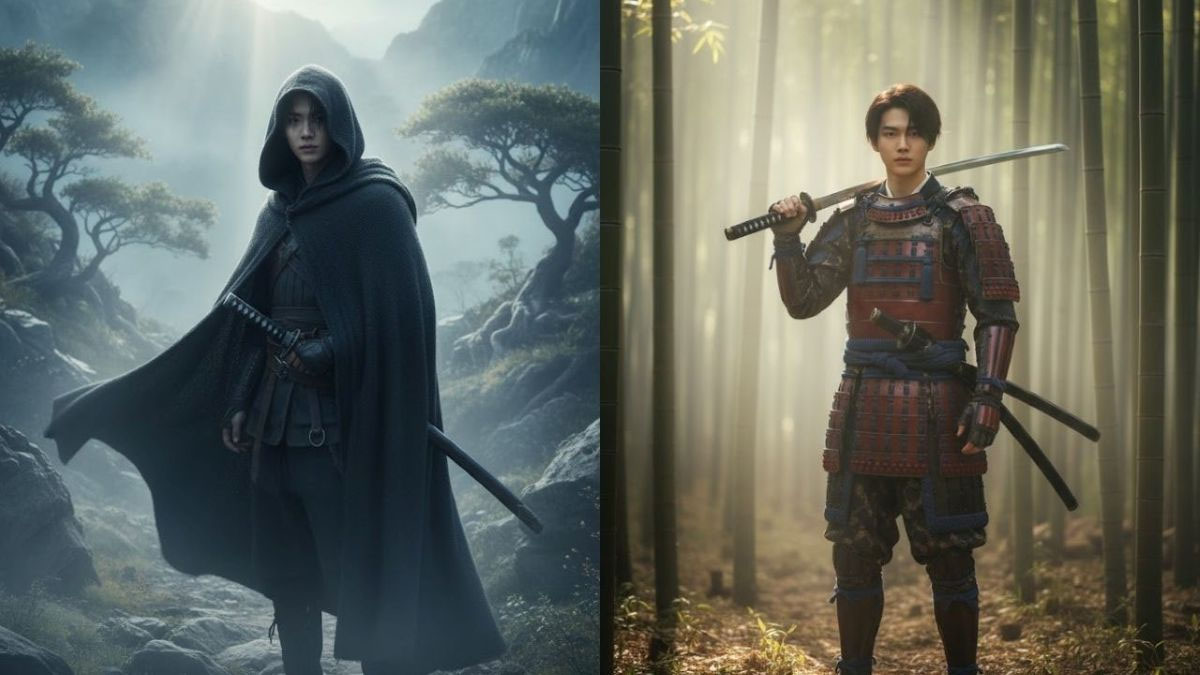
Cara tampil ala Samurai dengan prompt AI yang hasilnya keren parah.-Istimewa-
BACA JUGA:AI Alter Ego, Temukan Dirimu di Dunia Multiverse Lewat Prompt AI!
Add a dark cloak moving gently in the wind, a katana hanging on the waist, morning mist around the scene, realistic lighting and depth of field,
natural atmosphere, cinematic movie look, soft color grading, no plastic AI feel, lifelike details and subtle emotion."
4. Ksatria Pedang di Tengah Pertarungan Sinematik
"Turn the user’s portrait into a realistic cinematic scene of a sword knight mid-battle, with a katana in hand. Keep the user’s real face, lighting, and expression.
Add sparks and motion blur effects, detailed armor textures, natural sweat and lighting reflection, warm tones from nearby fire,
realistic dust and smoke, high-detail cinematic realism, looks like a movie scene, not digital art."
5. Pendekar Pedang Wanita Elegan di Taman Sakura
"Edit the uploaded user’s image into a cinematic female sword warrior standing under falling cherry blossoms.
Preserve the user’s face, expression, and body proportion.
Add elegant kimono with realistic fabric motion, katana on the side, pink petals in the air, sunlight filtering through trees,
natural and realistic lighting, soft-focus background, detailed textures, cinematic tone, beautiful yet lifelike photo look."
Cek Berita dan Artikel lainnya di Google News
Sumber:
- Share: